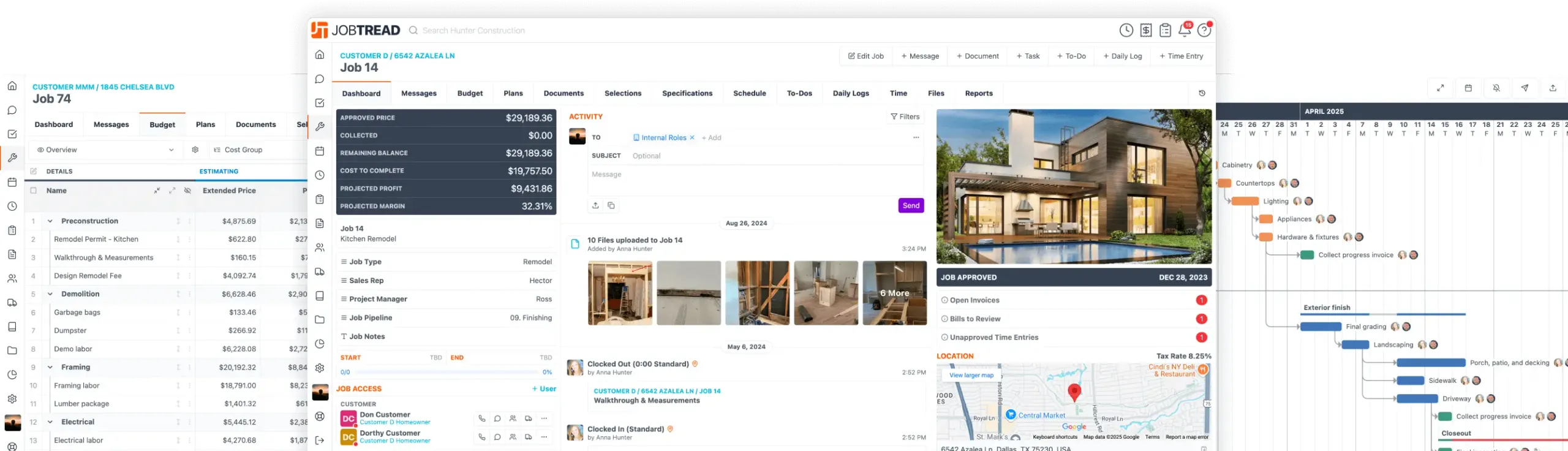
JobTread Surpasses 10,000 Companies at the International Builders' Show!
Product Updates
Oct. 07, 2025
Show Item Quantity on Specifications
Easily display item quantities on your job specifications to improve office-to-field communication and ensure everyone has the same clear instructions for the job. You can now choose which quantity type you’d like to show on your Specifications tab so your field teams and vendors always have the most accurate information.
Choose the option that best reflects your source of truth:Estimated Quantity – Displays the amount from your budget estimate. Approved Quantity – Displays the amount approved by the customer. Committed Quantity – Displays the amount committed to vendors through Vendor Orders.
To enable this feature, navigate to your General Settings, and edit the Specifications Quantity to select your preferred quantity type.
Oct. 07, 2025
HighLevel Integration
Sync JobTread with your HighLevel marketing CRM to automate communication and data sharing between systems. This advanced integration gives you the flexibility to connect your leads, customers, and project data in powerful new ways using triggers and actions within JobTread Workflows. Because of its complexity, we recommend working with your marketing partner or a developer familiar with HighLevel automations to configure and test your connection to ensure accurate, reliable data flow between platforms. Learn more about the HighLevel integration in the Help Desk!
Sep. 25, 2025
AI-Powered Help Desk Search
Get answers faster by asking Google AI directly in the JobTread Help Desk search bar. AI scans all tutorials and industry guides to provide instant answers and recommends related videos to help you dive deeper.
How to use it:
Sep. 22, 2025
Workflow Automations
Automate your processes with one of JobTread's most advanced tools: powerful workflows, built directly into the platform with no third-party apps required.
Workflows let you create trigger-based automations that run seamlessly across projects, customers, documents, and more. Add filters to control conditions, apply branching logic for different outcomes, and design processes that fit your exact business needs. From sales to production to closeout, workflows eliminate repetitive tasks and ensure consistency across your team.
Here are just a few examples:Advance a job in your pipeline as soon as a proposal is signed. Decline documents automatically when they expire. Apply a pre-built to-do list when a new lead is added. Preload schedule templates when a new job is created. Remind employees to complete a daily log after clocking out.
With endless customization, workflows act like a virtual assistant working behind the scenes - 24/7.
Sep. 12, 2025
Export Parameters to CSV
Quickly export your job parameter list to a CSV file. This file includes all stored job parameter data and measurements from your takeoff, making it easy to share details with suppliers for material ordering and other needs.
How to use it:
Sep. 11, 2025
Task & To-Do Kanban Views
Manage your work with Kanban (or "board") views, a visual way of organizing tasks and to-dos into columns. Each column represents a stage, type, or owner, and you can drag and drop items across columns to quickly update them.
Group your tasks by:
Kanban views make it simple to see what"s happening, update tasks in real time, and keep your team aligned.
Sep. 10, 2025
To Be Billed Column on Job Reports
The "To Be Billed" column shows exactly what's left to pay each vendor on a job. It subtracts bills paid from your committed vendor orders and displays the remaining amounts by vendor.
Check it out:
Use this insight to instantly see outstanding vendor balances, and better manage cash flow.
Sep. 05, 2025
Dashboard Text Tiles
Add text tiles to your custom dashboards to post announcements, reminders, and other key information for your team. Text tiles use the same text formatting tools as other areas in JobTread, so you can include headers, alerts, tables, and more. Check out all your text formatting options here: Text Formatting Guide
Get started:
Sep. 05, 2025
Custom Formula Columns on Budget
Add calculated columns to your budgets for deeper insights, such as commission amounts, cost per square foot, or % cost to complete. Formula columns can reference cost item details, job parameters, and even job custom fields. These calculations are designed for reporting only and will not be used in other calculations, giving you flexible and powerful visibility into your job costs.
Get started:
Sep. 03, 2025
Retainage and Hold Backs
Track retainage for both customer invoices and vendor bills! Retainage allows you to hold back a percentage of the payment until a milestone is met or the job is complete, giving you more financial control over your projects.
Retainage amounts are tracked in the budget using a dedicated cost item, and are reported on in your Income Report and Cost by Vendor report.
Let's elevate your company to new levels of success.
See how JobTread will get you organized, save you time, and increase your profits.
Sign Up Today