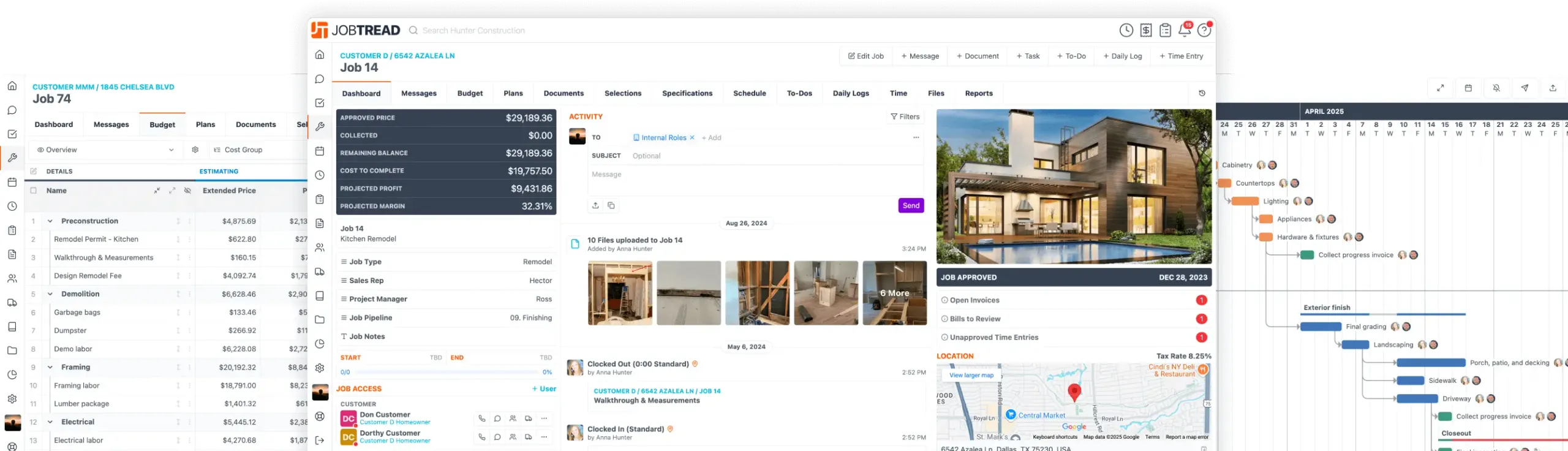
Selections & Allowances
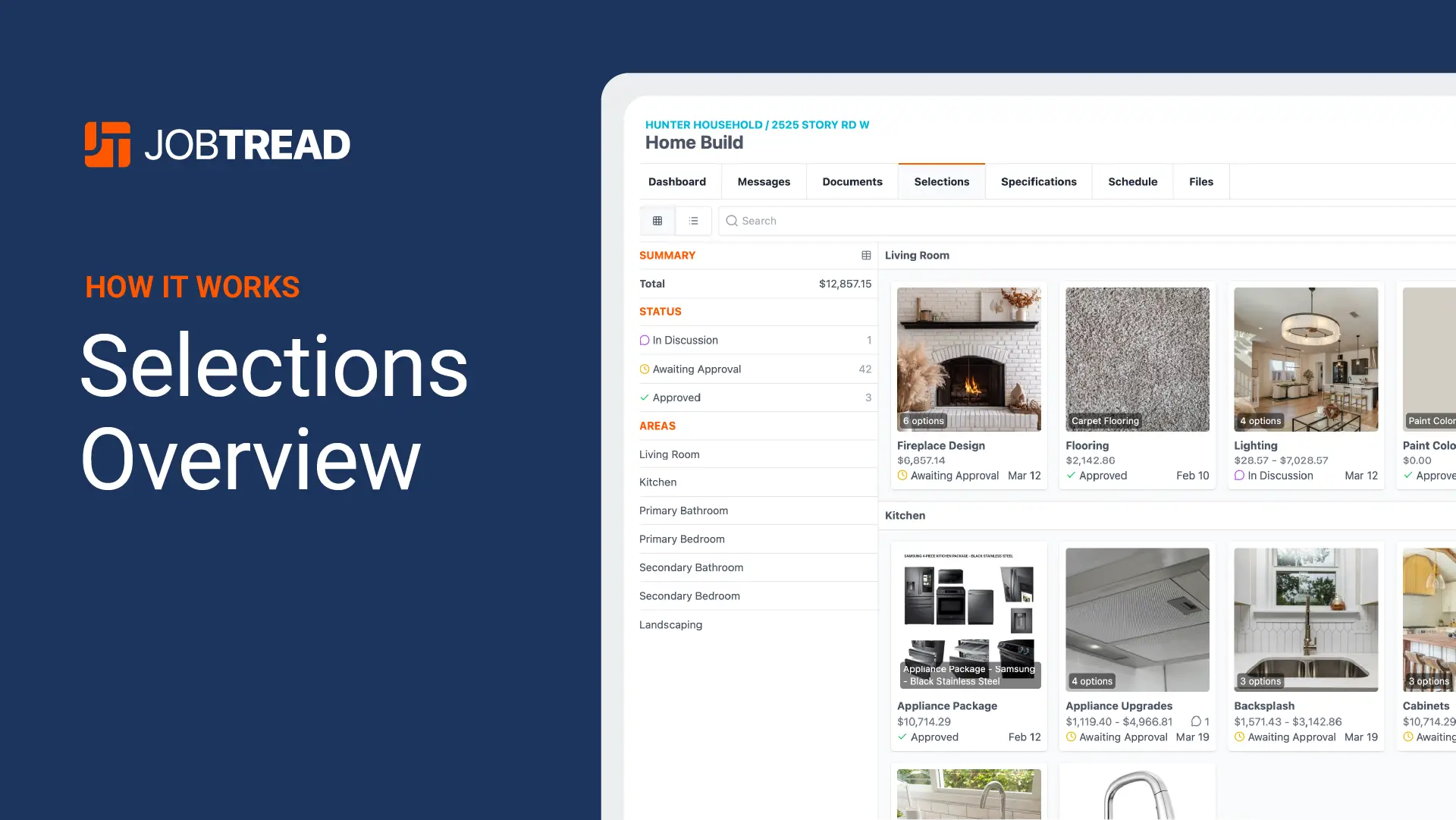
Simplify Your Client Selections Process

![G2 High Performer for [object Object]](/images/awards/g2-high-performer.svg)
High Performer
![Deloitte Deloitte 2025 Technology Fast 500™ for [object Object]](/images/awards/deloitte-fast-500-awards-web.webp)
Deloitte 2025 Technology Fast 500™
![International Builders’ Show Best of IBS Business Solution Software for [object Object]](/images/awards/best-of-ibs-2025-winner-logo.svg)
Best of IBS Business Solution Software
![G2 Fastest Implementation for [object Object]](/images/awards/g2-fastest-implementation.svg)
Fastest Implementation
![Capterra Best Value for [object Object]](/images/awards/capterra-best-value.svg)
Best Value
![GetApp Category Leaders for [object Object]](/images/awards/getapp-category-leaders.svg)
Category Leaders
![G2 Easiest To Do Business With Small-Business for [object Object]](/images/awards/g2-easiest-to-do-business-with-sb.svg)
Easiest To Do Business With Small-Business
![Software Advice Front Runners for [object Object]](/images/awards/software-advice-frontrunners.svg)
Front Runners
![Capterra Short List for [object Object]](/images/awards/capterra-shortlist.svg)
Short List
![G2 Momentum Leader for [object Object]](/images/awards/g2-momentum-leader.svg)
Momentum Leader
![Tech Titans FastTech for [object Object]](/images/awards/tech-titans-fast-tech-award-badge.webp)
FastTech
![Software Advice Best Customer Support for [object Object]](/images/awards/software-advice-best-customer-support.svg)
Best Customer Support
![G2 Users Most Likely To Recommend for [object Object]](/images/awards/g2-users-most-likely-to-recommend.svg)
Users Most Likely To Recommend
![G2 Best Estimated ROI Small-Business for [object Object]](/images/awards/g2-best-estimated-roi-sb.svg)
Best Estimated ROI Small-Business
![Software Advice Most Recommended for [object Object]](/images/awards/software-advice-most-recommended.png)
Most Recommended
Don’t Miss Any Costs
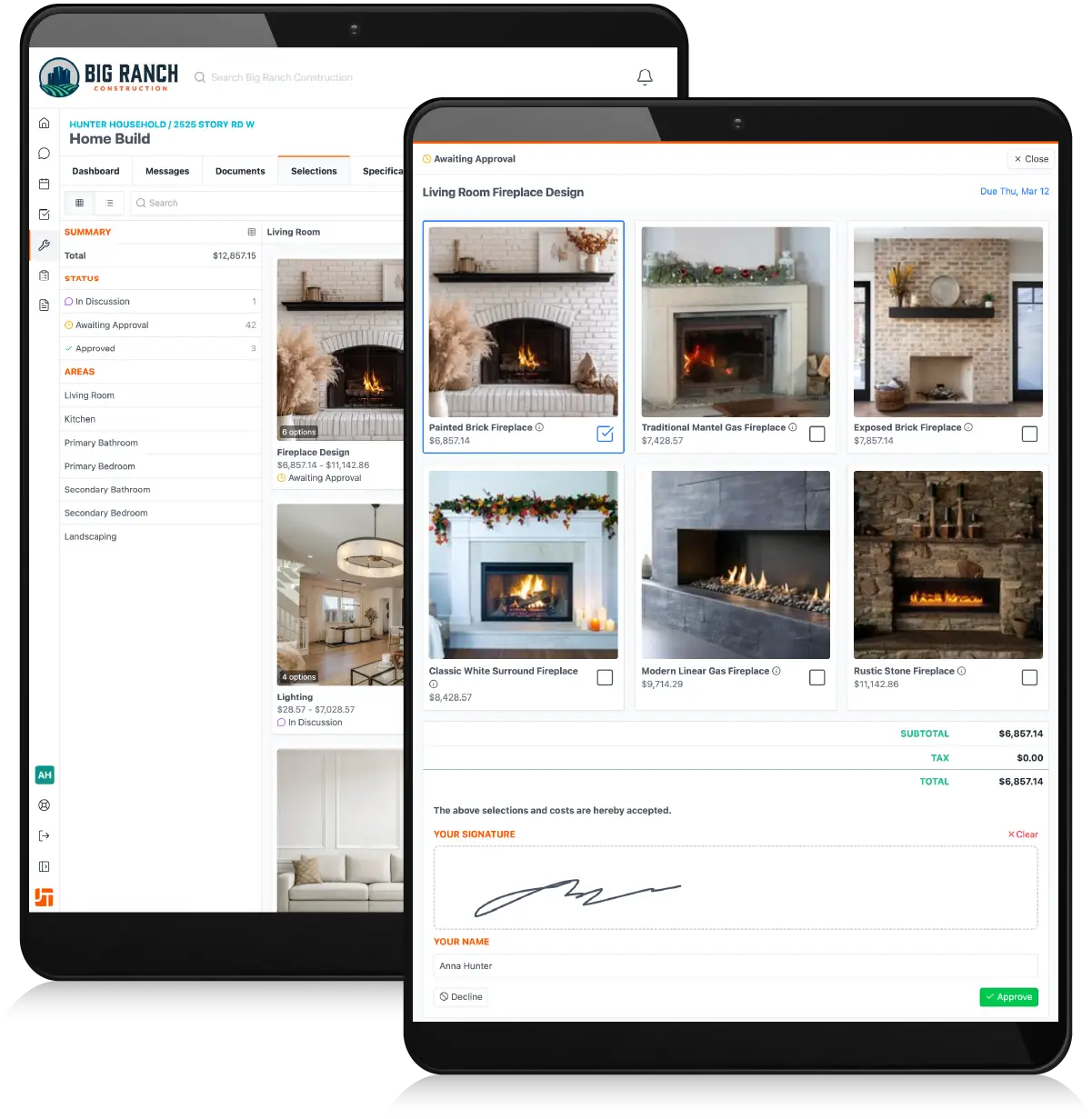
Organize Client Selections
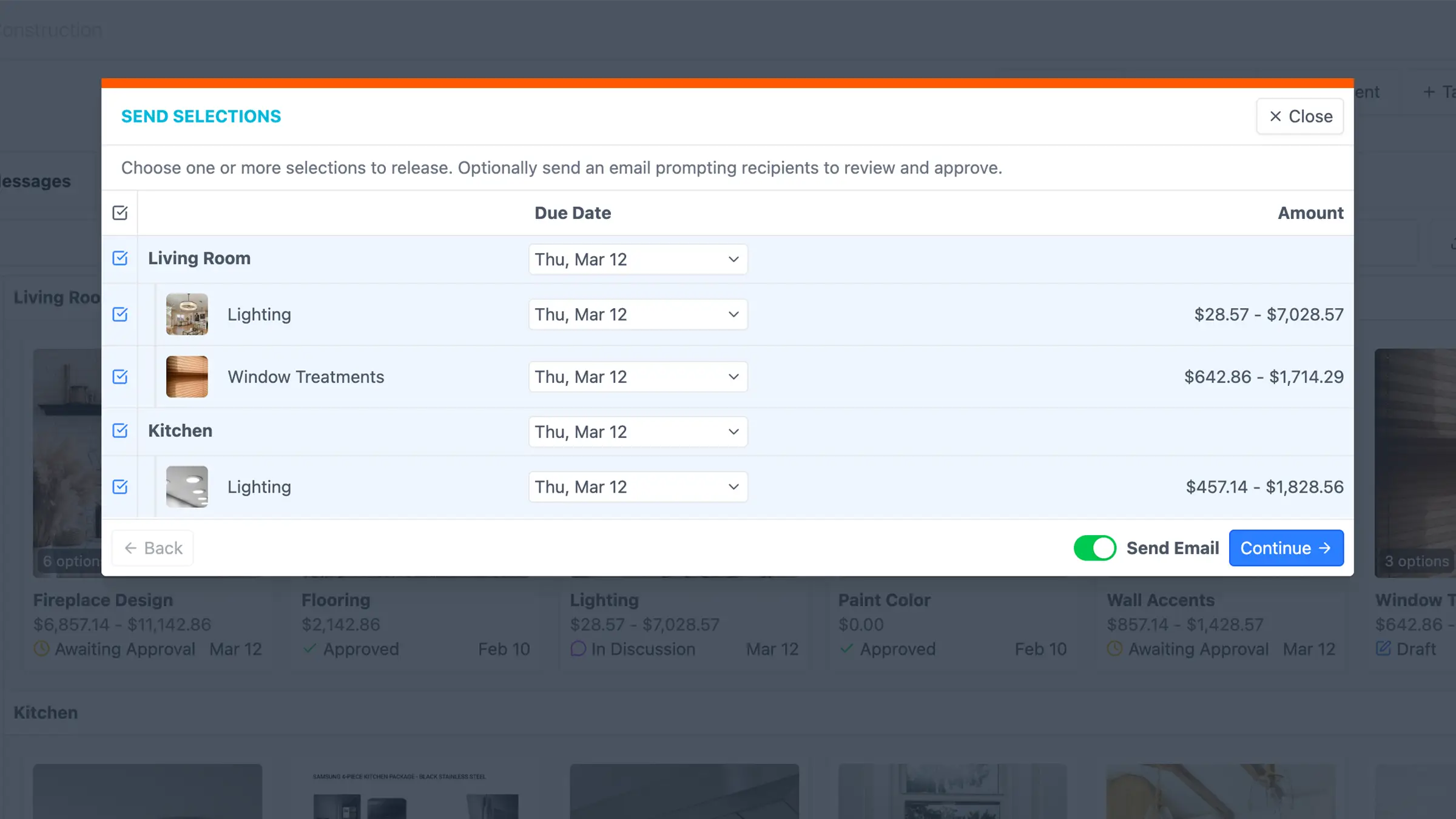
Centralize all your client selections in one place. Stay on top of the status for each selection, manage variances from set allowances, and automatically create change orders for overages to make sure you get paid.
Create Selection Sheet Templates
Add your most commonly used materials for each selection item and allow your customers to add their own choices as well.
Tie Selections to Allowances
When a selection is made that differs in price from the allowance, any overages and underages are automatically calculated.
Track Selections Spending
View a financial summary for each of your allowances and selection, as well as an overall summary for all allowances and selections.
Share Final Selections
Provide access to your crews or subs so they can view selections made by your client and mark when the materials have been purchased.

Eliminate the Back and Forth
Improve Your Customer Experience
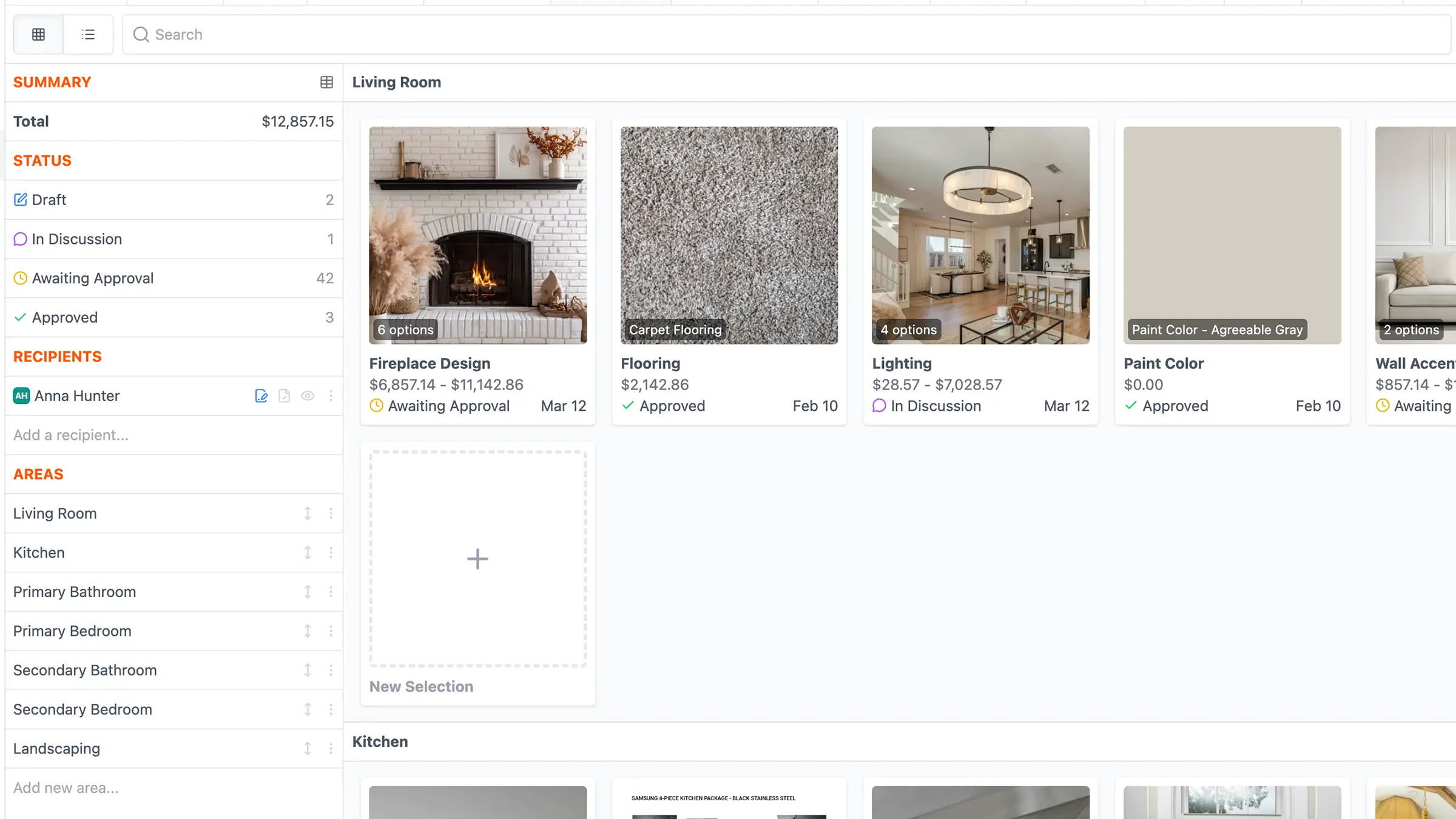
Simplify the customer experience by allowing your clients to make selections with detailed specs and pricing information, helping them understand all of the costs involved, and opening the lines of communication to keep all parties informed and up-to-date.
Share Selections in the Customer Portal
Provide access to all the selections in one place within the Customer Portal so your clients can easily view and make their selections.
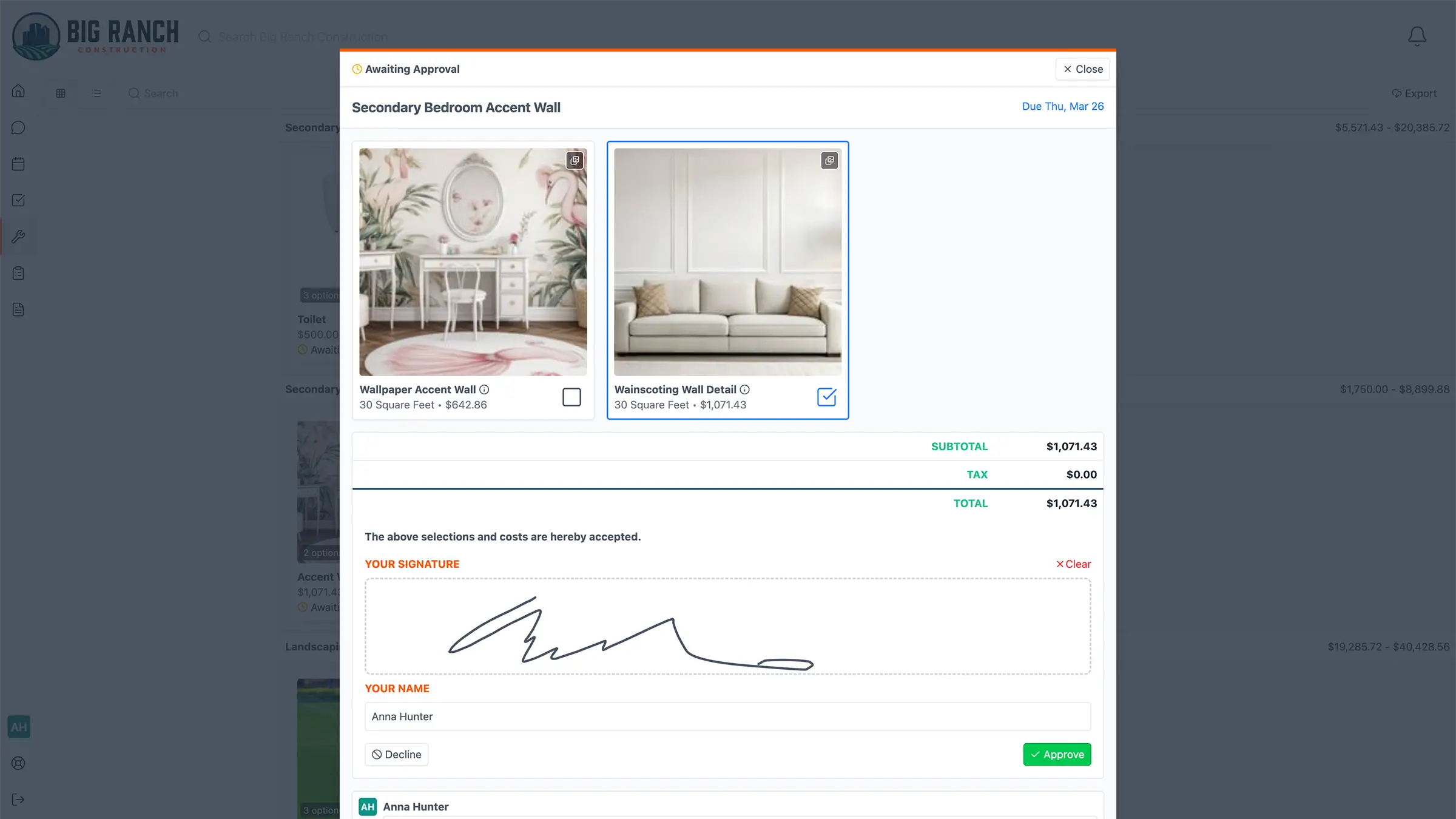
Collect Signatures for Selections
Track the status of your selections and have customers electronically sign off to confirm their decisions, eliminating any he said, she said.
Sell Your Selections and Upgrade Options
Give detailed specs by adding files, photos, links and descriptions for each of your selections and selection groups.
Reallocate Unused Allowances
Choose whether or not you want to allow your customers to reallocate savings from allowances for unused selection items to other selections.
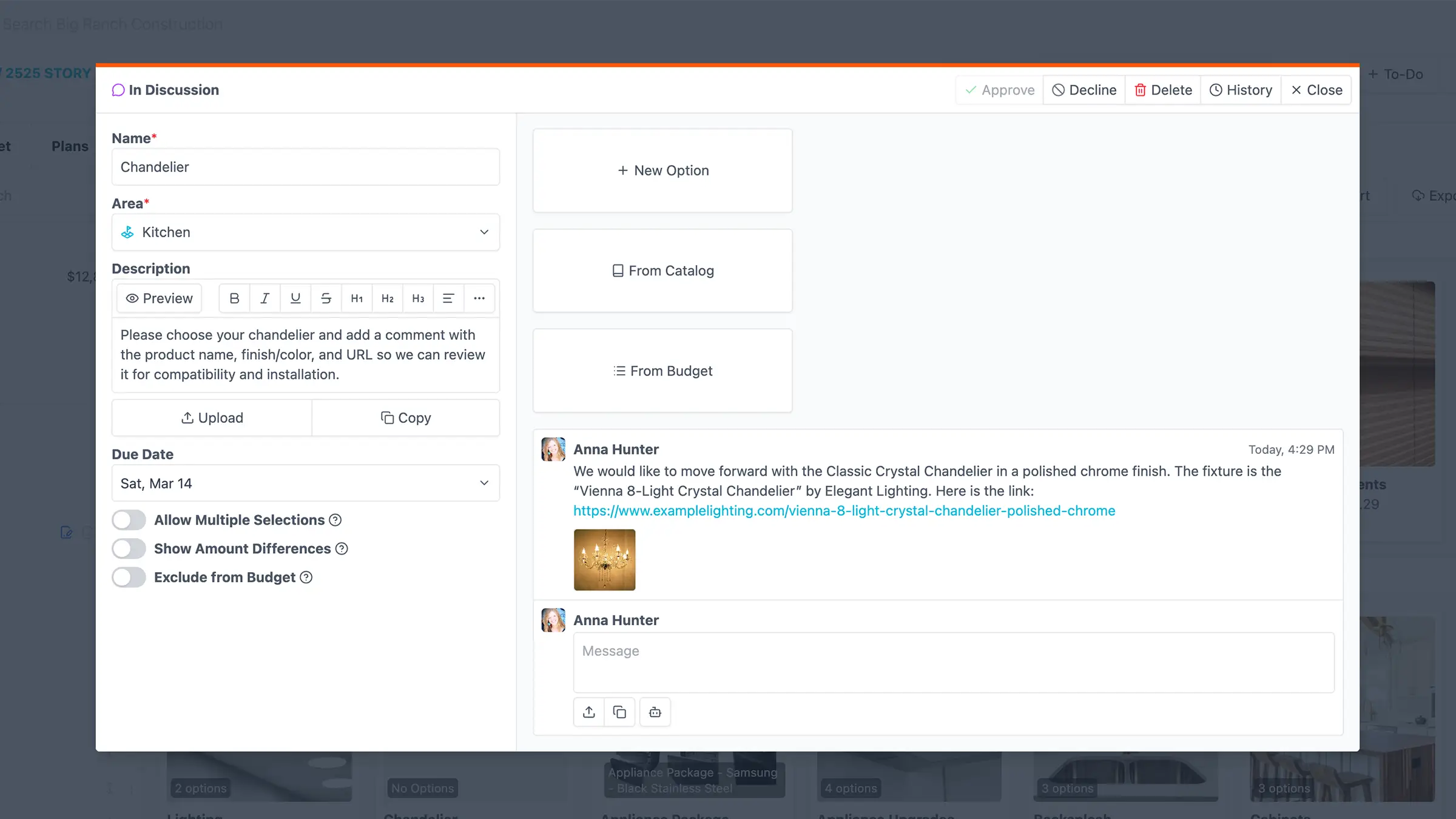
Collaborate on Selection Sheets
Have back and forth communications with your customers and subs to keep everyone apprised of all the selections-related discussions.
Our customers love JobTread! But don't just take our word for it.





10 Tips for Selling Selections & Upgrades
Get answers to common contractor questions on selections, upgrades, and profitability.
Read MoreIntegrate Your Other Tools with JobTread
Seamlessly connect your existing systems with JobTread to streamline your workflows.














Let's elevate your company to new levels of success.
See how JobTread will get you organized, save you time, and increase your profits.
Sign Up Today