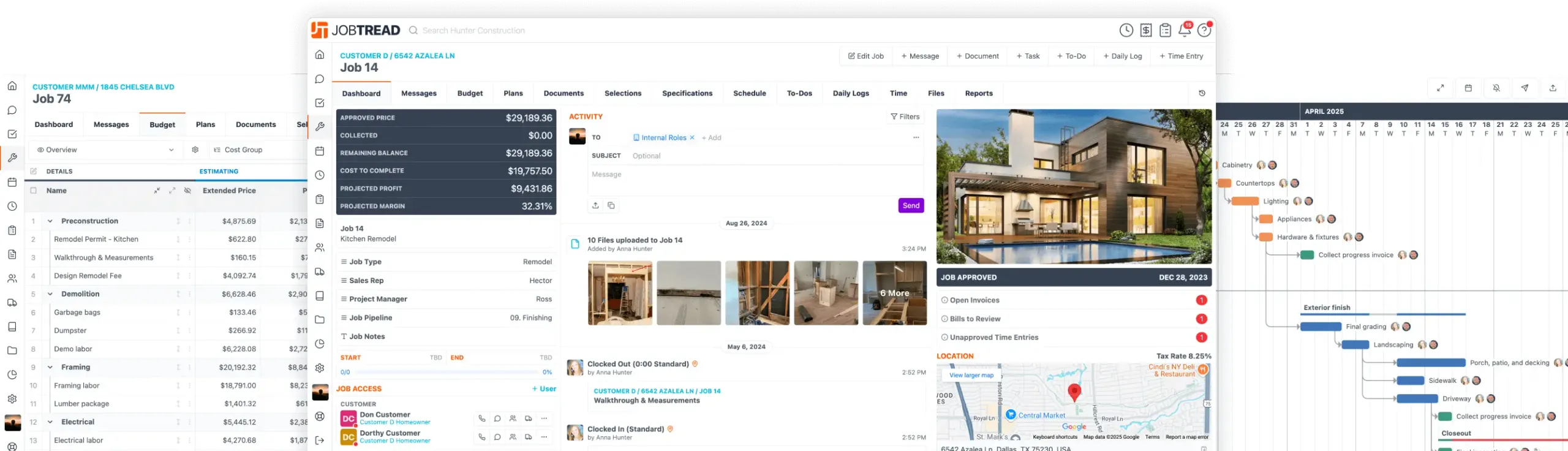
JobTread Surpasses 10,000 Companies at the International Builders' Show!
Product Updates
Jan. 21, 2026
Group by Custom Fields on Documents
Control how cost items are organized on documents by grouping them by your custom fields.
How it works:
This makes it easy to present documents organized by vendor, category, status, or any custom setup your team uses.
Jan. 19, 2026
Drag & Drop on Calendar
Quickly adjust your schedule by moving tasks directly on the calendar, updating dates and durations while keeping task sequences intact.
How it works:
If the task has dependencies, related tasks automatically shift to maintain the correct sequence.
Dec. 18, 2025
AI Daily Log Summaries
Quickly summarize multiple daily logs into a single, shareable update that communicates job progress to customers and vendors.
Get Started:
Dec. 18, 2025
Clock In Multiple Users
Managing a crew just got easier. With the right permissions, you can clock in multiple team members at once or create time entries for an entire crew, all from one place. It’s a faster way to start the day and stay in control of crew time without chasing individual entries.
Get Started:
Dec. 11, 2025
QXO Integration: Browse & Order Materials
QXO supplies roofing, exterior, and decking materials to contractors across North America. Use the JobTread + QXO integration to browse live QXO catalog items, add materials directly to your budgets, and place orders without leaving JobTread, helping you keep pricing accurate and streamline your estimating and purchasing workflow.
Get Started:
Nov. 13, 2025
Scan and Autofill Receipt Details
Quickly scan uploaded receipts and let AI autofill key details like vendor, total, tax, bill number, and date. This speeds up expense entry while reducing manual data entry, giving you a faster and more accurate way to log receipts.
Get Started:
Reminder: Always review all scanned details for accuracy before saving.
Nov. 03, 2025
Import Parameters from CSV
Import parameters directly from a .csv file to your job or catalog parameter list, making it easier to create large sets of job data and measurements. This enhancement allows you to efficiently add new parameters, including types, measurements, formulas, and picklist options. Import your parameter spreadsheet into JobTread to quickly expand your parameter list without manual entry. Learn how to use the parameter imports in the help desk.
Oct. 23, 2025
Kanban Column Aggregates
View totals directly within your Kanban columns to quickly see aggregate data across your jobs, customers, or vendors. For example, you can display the total Projected Profit for all jobs in a phase or the total amount of open invoices grouped by Project Manager.
Get started:Navigate to your Customers, Vendors, or Jobs directory and open a Kanban view. Click the gear icon to open your view settings, select the Fields tab, and toggle on any currency, numeric, or formula fields you’d like to see aggregated. Expand the column header to view totals for the fields you enabled. To show aggregates by default, make sure the field is within the top five fields in your list, and displayed on the Kanban cards.
All other aggregates remain available when you expand the column header. Save your changes once your view looks just right.
Oct. 22, 2025
Convert Existing Documents to Any Document Type
Quickly convert existing documents into any document type to save time, eliminate double entry, and handle unique project workflows. Whether you’re creating a purchase order from a customer selection or generating a change order from a bid request, this feature gives you complete flexibility to manage documents the way your projects actually flow. All item details and file attachments will carry over to the new document type, helping you maintain consistency while working faster.
Get started:Open an Approved document in JobTread. Choose the recommended document type or select "Show Other Templates" to pick a different one. Review and edit details as needed, then send the new document.
This flexible conversion process helps you manage real-world project scenarios without redundant work.
Oct. 20, 2025
Attach Bill Files to Cost Plus Invoices
Cost-plus builders can now automatically include bill attachments (receipts, vendor invoices, and supporting documents) when invoicing from Bills & Time. These files will appear directly beneath the corresponding bill on the customer invoice, giving your clients full visibility into their project costs.
Get started:Turn on "Show Line Item Files" in your Invoice Document Templates under Settings. When invoicing from Bills & Time, toggle on "Copy Bill Files" to include attachments. Create the invoice to view expandable bill attachment thumbnails directly within the document.
This update makes it easy to provide transparency and documentation your customers will appreciate.
Let's elevate your company to new levels of success.
See how JobTread will get you organized, save you time, and increase your profits.
Sign Up Today