Begin With The End In Mind: Design JobTread for the Ultimate User Experience
Let's explore how to configure JobTread to make it the most user-friendly for your every member of your team. Starting with a clear understanding of user needs and workflows, we'll guide you through the key principles and best practices for customizing JobTread so it enhances the overall user experience. Learn how to leverage custom job and budget views to keep your team on the same page, create custom notifications to increase communication, and establish a purpose for all document types within the job lifecycle. Presented by Leesa Anderson and Eric Anderson of DreamMaker Bath & Kitchen™ of East Georgia
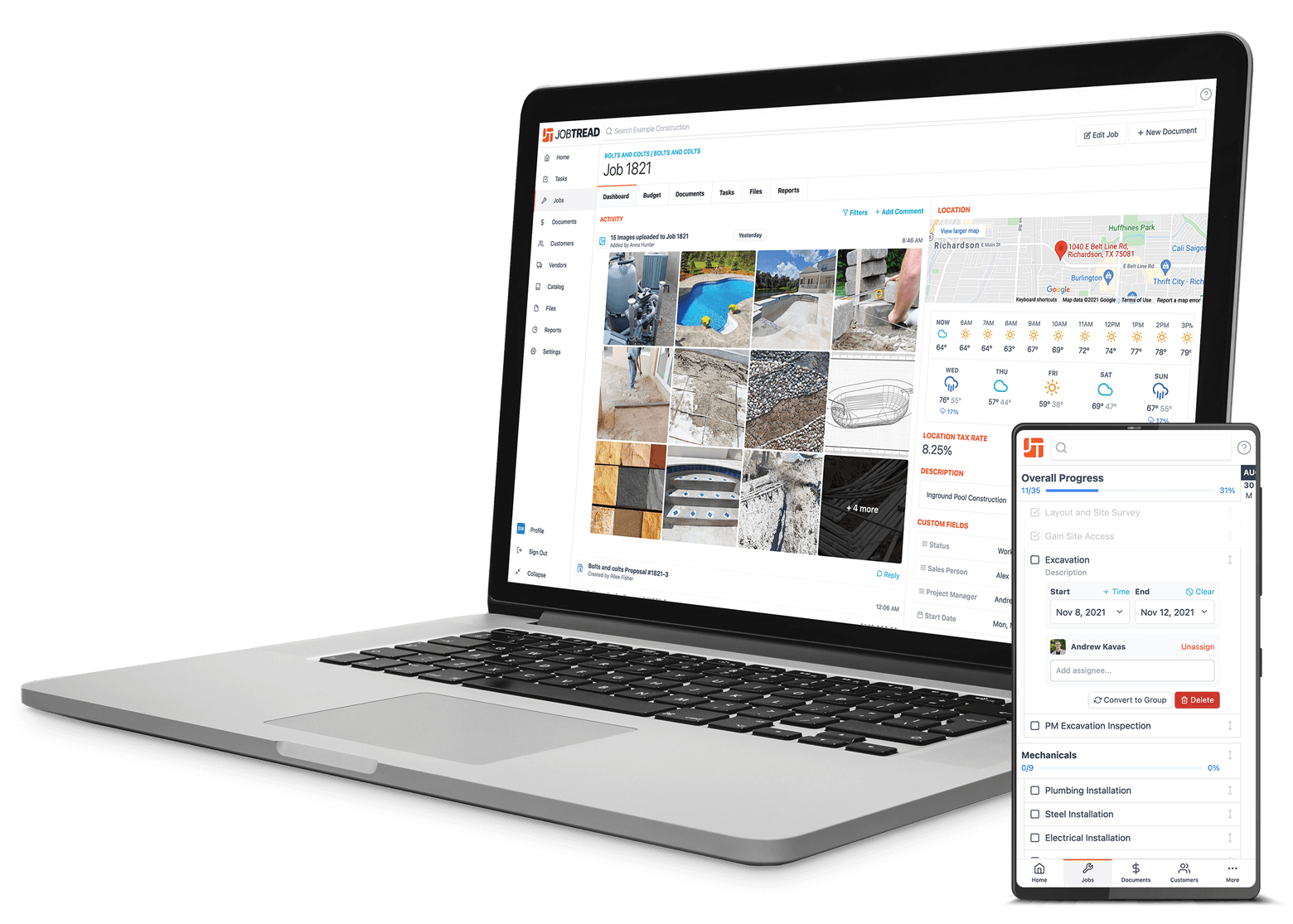
The best software and best service in one place!
JobTread provides simple, yet sophisticated end-to-end construction management software designed specifically for small to mid-size construction professionals. With JobTread, you can easily manage jobs, finances, documents, photos, customers, vendors, and sub-contractors, all in one place.
Get Started TodayThe JobTread Platform
Our customers love JobTread! But don't just take our word for it.



Looking to improve your business? Check out our blog!
Discover construction management best practices and great tips you can use to take your business to the next level.