
JobTread Myths vs. Facts: What the Reviews, Data, and Product Show
By Erika Mosse
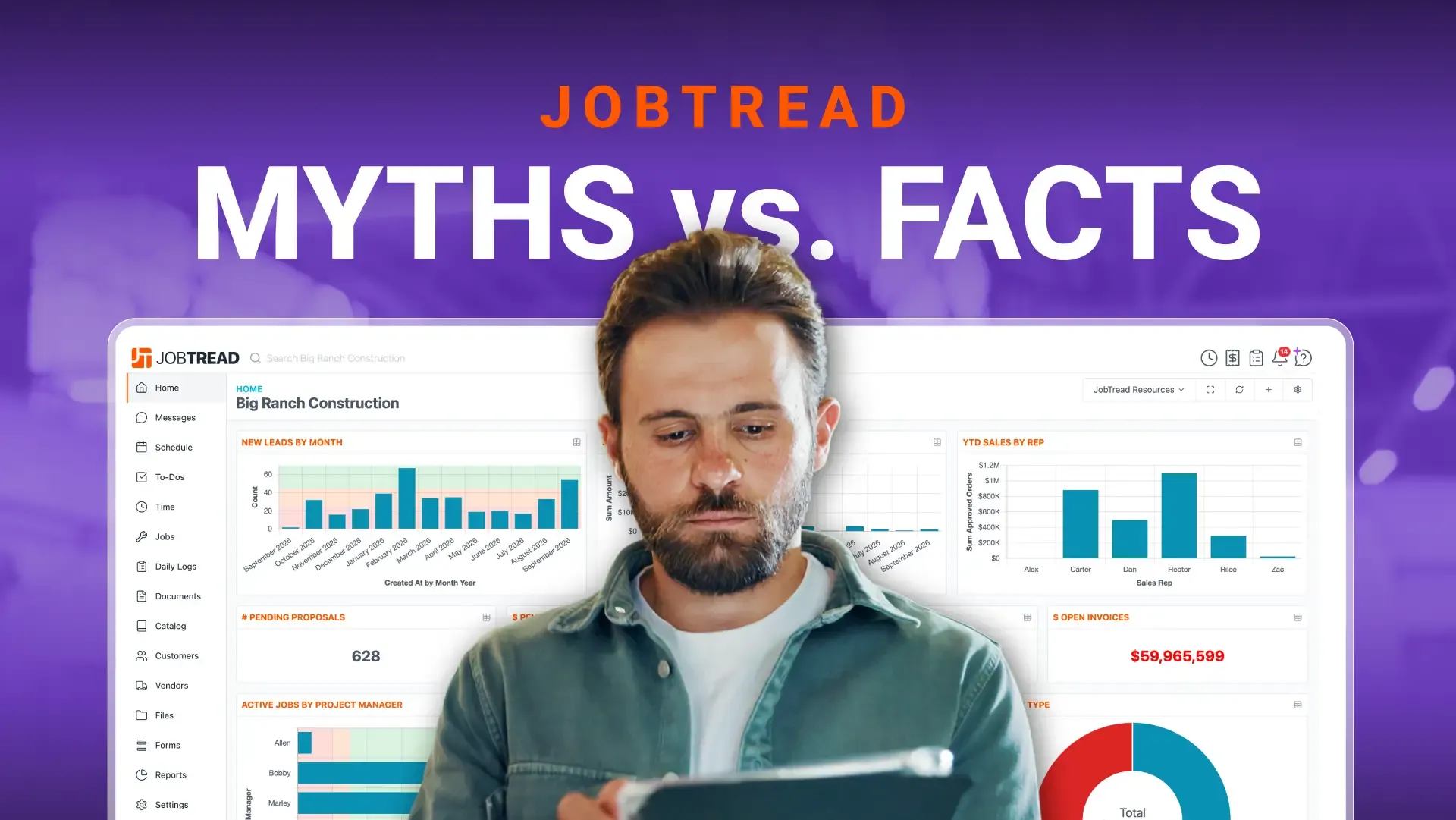
The construction software market can be full of mixed messages. Contractors evaluating their options bring us the same handful of claims again and again, usually prefaced with “I heard that…”
So let’s clear it up. Below, we’ve listed some common myths about JobTread and then answered each one with facts you can verify through public reviews, published pricing, product pages, and real customers doing real work. Consider this your starting point for any construction management software comparison.
Myth #1: “JobTread is only for small contractors.”
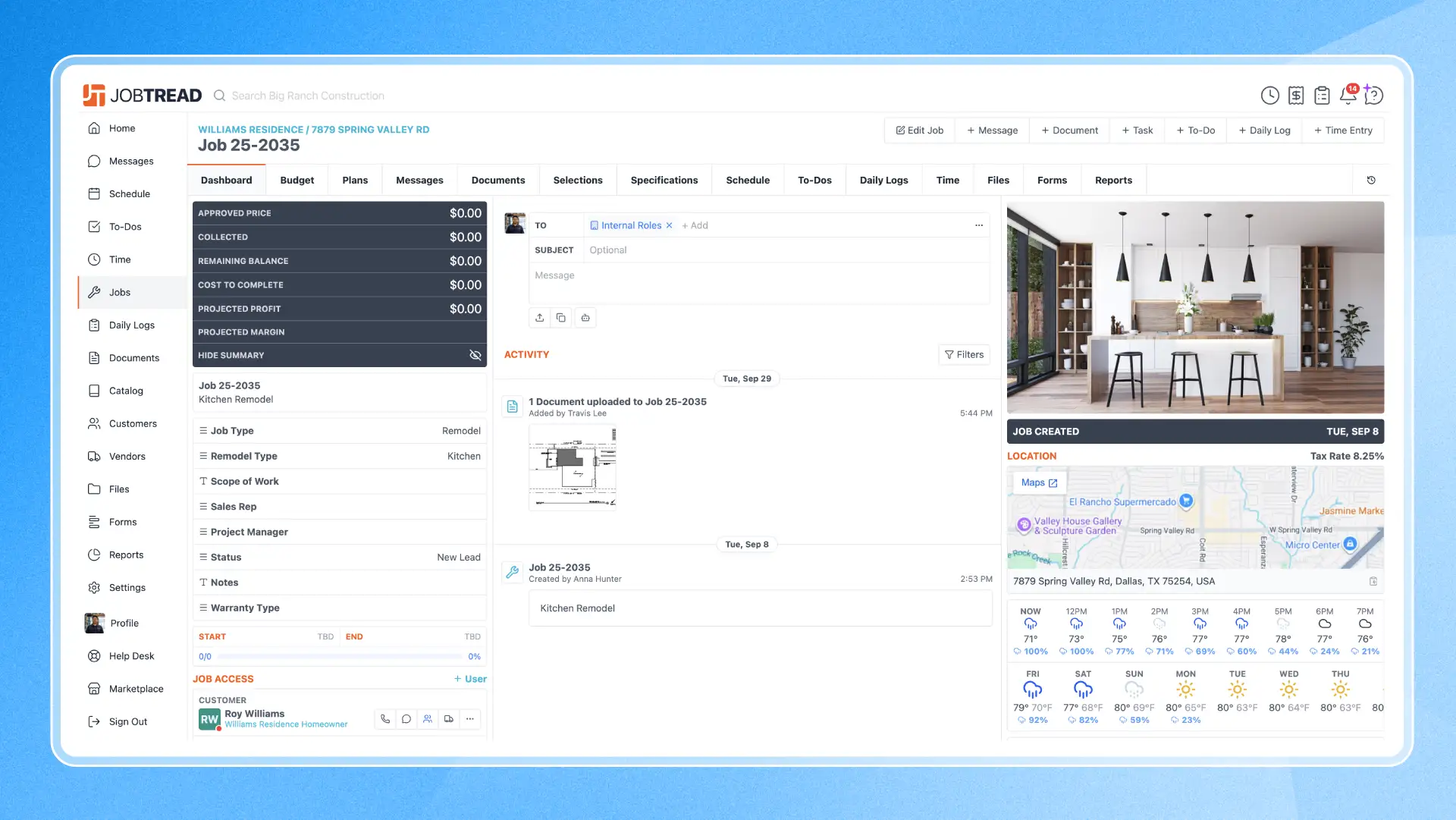
JobTread works for contractors of every size.
Some competitors have told potential customers that JobTread only works for small to mid-size companies. That’s not accurate. JobTread works for companies of any size. Other software uses revenue-based pricing that increases as your business grows or as you need more features and integrations, which gives them a financial incentive to steer high-revenue contractors away from flat-rate platforms like JobTread.
The truth is that JobTread’s transparent pricing works by providing all features and integrations at the exact same price no matter if your business has revenues of $200K or $200M. We are not just built for small businesses, JobTread is built for every company. Contractors looking for Buildertrend or Procore alternatives often land on JobTread for this reason.
Myth #2: “JobTread is too complicated.”
JobTread can be as simple as you need it to be.
Support that knows construction. Every customer gets a dedicated Customer Success Manager with construction experience, who helps you set up JobTread around the way your business runs. Moving from another platform or QuickBooks? JobTread’s support team will help you import your data over to our system.
When you have a question, a real person picks up the phone. That level of service shows in the reviews: JobTread has more than 1,500 Google reviews with a 5-Star average. Customer support is one of the themes reviewers praise most.
Learn at your own pace. When you’re ready to take on more, take advantage of JobTread’s recorded and live training sessions, two-day bootcamps in Dallas, regional workshops across the country, and step-by-step Help Desk articles and videos. In addition, the AI Support Assistant inside JobTread answers questions the moment they come up.
Everyone sees what they need. JobTread puts you in control of which tools and features each team member can access, so your salespeople, project managers, and field crews each get a view built for their job. Trade partners can upload photos, log daily notes, view their schedule, and fill out a form without learning the rest of the platform. And accessing those tools is free.
So where does the myth come from? JobTread includes every feature in one subscription, and with that much available, it’s easy to assume you need to learn all of it. Some reviewers also mention that JobTread releases new features so often it can be hard to keep up. Both point to a platform that does a lot and keeps getting better, and you never have to use all of it.
Myth #3: “Switching to JobTread means starting over from scratch.”
With JobTread you can bring your business with you.
JobTread’s expert team makes it easy to seamlessly export your information, or you can take setup off your plate entirely with an implementation partner from the JobTread Marketplace. These organizations can get your account built out and ready to go, so your team can focus on running jobs.
With a 30-day money-back guarantee on monthly subscriptions, the risk of trying JobTread runs in your favor.
So where does the myth come from? Switching software is a big decision, and it’s natural to worry about losing the work you’ve already put into your current system. With your key information brought over and a support team that knows construction, you can start running jobs in JobTread without starting from zero.
Myth #4: “JobTread is still catching up on AI.”
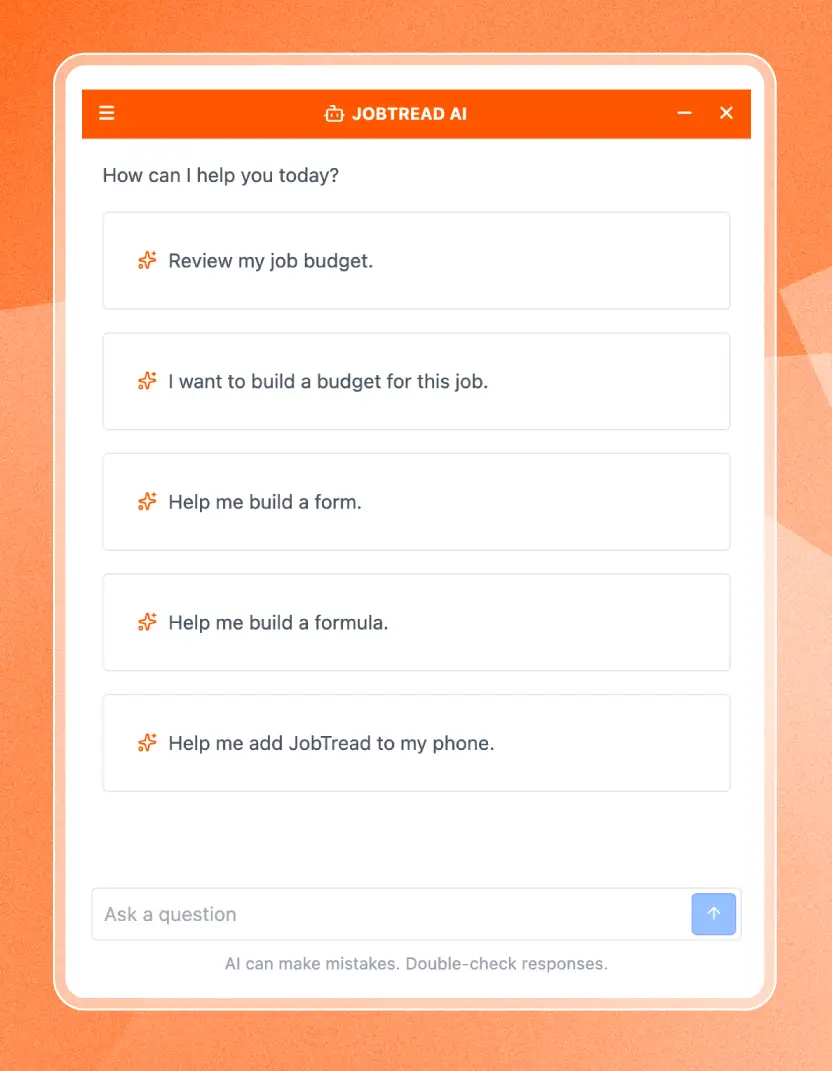
JobTread gives you two ways to use AI.
AI built into JobTread. The AI Budget Builder creates a budget based on a job’s requirements and location, returning a full set of line items ready to review. Point it at an existing budget and it audits the numbers and walks you through suggested changes, or tell it the margin you want and it updates the budget to match. It can also guide you to the right formula without building it field by field. The AI Form Builder creates custom forms from a simple prompt, from RFIs and closeout checklists to warranty requests and new employee onboarding. Information entered into these tools stays on JobTread’s servers and is never used to train an AI model.
The AI Support Assistant is built in too, helping users set up their accounts and run jobs. And more built-in AI tools are already in development.
Connect the AI tools you already use. With the AI Connector, you can ask ChatGPT, Claude, or Gemini to read and act on information in your JobTread account. It can draft customer updates, proposal descriptions, change orders and much more. JobTread’s Help Desk includes a prompt library to get you started and provides insights into each type of action.
So where does the myth come from? If you looked at JobTread before these AI tools launched, you wouldn’t have seen them. Today, contractors can build budgets and forms with AI inside JobTread and connect their favorite AI tools to their job data.
Myth #5: “JobTread doesn’t have the features I need.”
JobTread adds new features all the time
New features, all the time. JobTread’s development team releases updates constantly. Some are big, like built-in AI tools that draft budgets and forms, AIA-style payment applications, Forms, and Warranty Management. Others are smaller improvements that make everyday work easier, like dark mode, which you can switch on in your settings. You can see every release as it happens on the Product Updates page.
Your requests shape the roadmap. JobTread’s Feature Request board lets customers submit their own ideas, vote on requests from other contractors, and add feedback. The team pays close attention to it, so the features you need have a real path into the product.
See what’s coming. During Live Product Updates, JobTread Founder and CEO Eric Fortenberry walks through the latest releases and previews what’s next on the roadmap.
Customers notice. Reviewers on G2 and Capterra regularly point out how often JobTread updates and improves the platform.
So where does the myth come from? If you looked at JobTread a while ago, a feature you needed may not have been there yet. With updates rolling out this often, it’s worth taking another look.
Bring us your hardest questions.
See JobTread for yourself and decide based on the product, not the rumors.
How to Fact-Check Any Software Claim (Including Ours)
Don’t trust anyone’s claims without verification. Here’s the checklist we’d hand any contractor evaluating construction management software:
- Check published pricing. If you can’t find a price without a sales call, ask why.
- Read verified reviews on G2, Capterra, and Google, and read the negative ones first.
- Ask about integrations and features and whether they’re included in the price or cost extra.
- Talk to a customer of your size and industry segment that uses the platform. Any vendor confident in their product will be happy to share how their customers use it to run their businesses. You should be able to find reviews from real people and real companies.
JobTread passes this checklist:
See for Yourself
The fastest way to settle any question about JobTread is to look at it. Review the pricing, then schedule a personalized demo and bring your hardest questions. We’ll show you why more than 15,000 businesses use JobTread.
Keep Learning



Frequently Asked Questions
JobTread’s pricing is published at jobtread.com/pricing. The subscription is $199 per month plus $20 per month per additional internal user, with price breaks above 10 users and 20% savings on annual plans. Subcontractor, vendor, and customer portal access is free and unlimited.
Internal users include employees who need access to JobTread to view customer and vendor information, manage jobs, build and modify schedules, track time, and access reports. Accountants and certain other non-employees may also be considered internal users if they need access to JobTread data.
All vendor, subcontractor, and customer users are able to access an external portal to view and perform a limited set of activities in JobTread. These users are free and unlimited. Additionally, certain field crew who will only be using JobTread to upload pictures, log daily notes, and view their schedule or check off tasks can also be added as free users.
Run a more efficient, more profitable construction business.
Let one of our experts show you how JobTread helps you manage leads, jobs, budgets, and customers all in one place.
Book a Demo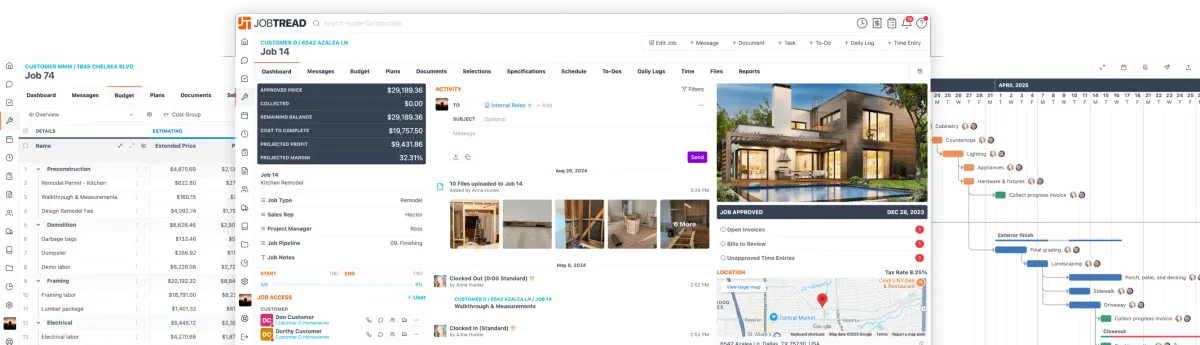

I am a passionate advocate for small businesses, especially in the construction space. Prior to joining JobTread, I spent 20+ years heading up b-to-b media brands that serve remodelers, pool builders and home improvement professionals. My background allows me to leverage decades of content creation experience to help contractors become more profitable, transform their workplace cultures, and scale their businesses.