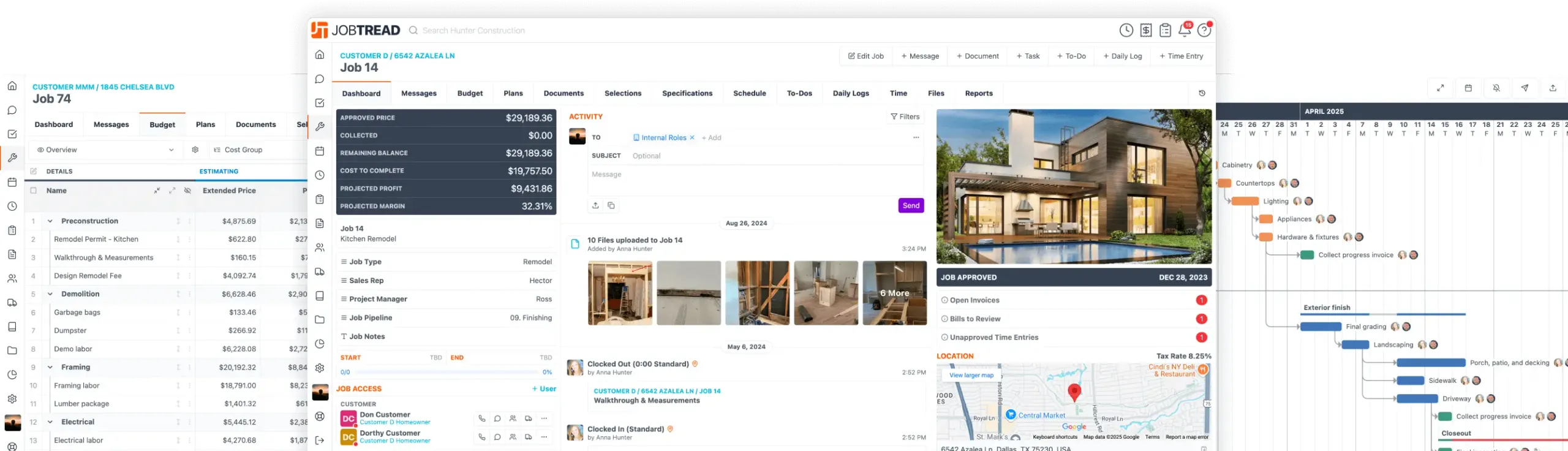
JobTread Surpasses 10,000 Companies at the International Builders' Show!
Feb. 12, 2026
Sync Time Entry Rates to QBO Payroll
Time Entry rates in JobTread now map directly to matching employee compensations in QuickBooks Online. When a time entry is created or updated, the rate automatically syncs to QuickBooks, keeping your payroll data aligned.
How it works:
This update reduces manual adjustments, keeps payroll clean, and ensures your time tracking and accounting stay in sync automatically.

Free Construction Business eBook
10 Strategies for Construction Business Owners Aiming to Grow and Endure
Home Builders
Remodelers
Pool Builders
And More!

All-in-One Construction Management Software
- Construction CRM
- Estimating
- Takeoff
- Contracts & eSignatures
- Cost Catalog
- Bid Requests
- Lead Management
- Mobile App
- Tasks & Scheduling
- Daily Logs
- Time Tracking
- Files, Photos, & Videos
- Sub & Vendor Portals
- Specifications
- Budgeting
- Change Orders
- Job Costing
- POs & Work Orders
- Sub & Vendor Billing
- Customer Invoices
- Reporting & Dashboards
- Customer Portals
- Selections & Allowances
- Communication & Messaging
- Homeowner Financing
- Collect Online Payments
- Warranties
- Customer Portals
- Selections & Allowances
- Communication & Messaging
- Homeowner Financing
- Collect Online Payments
- Warranties
Let's elevate your company to new levels of success.
See how JobTread will get you organized, save you time, and increase your profits.
Sign Up Today