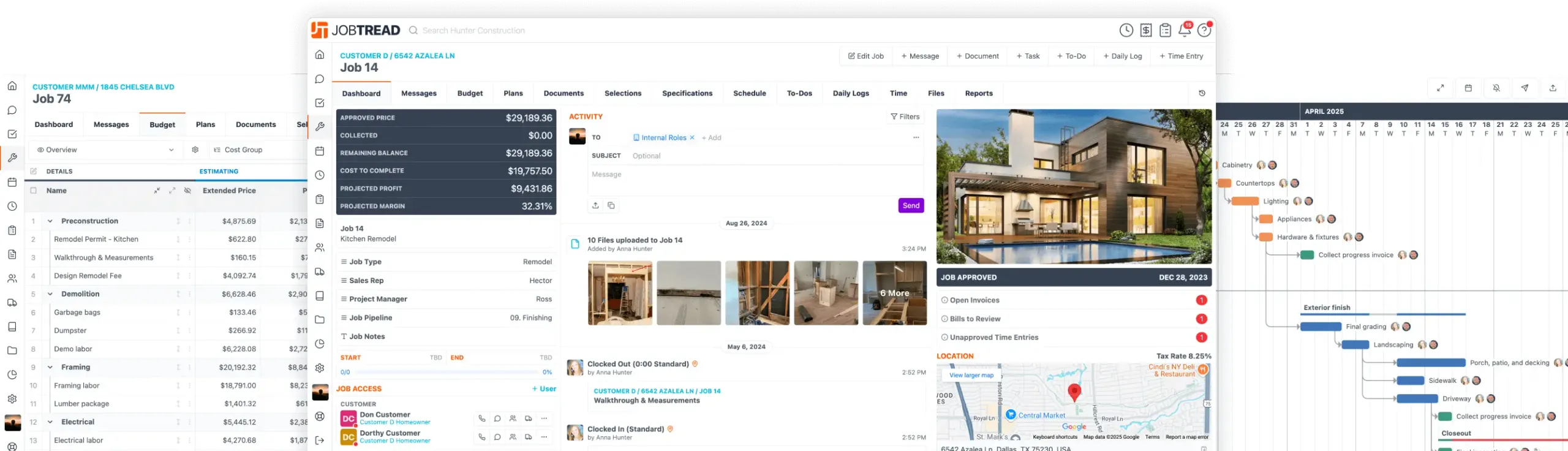
AI is here! Anything you can do in JobTread can now be supported through AI.
Jul. 17, 2023
Team Availability on Job Schedule
View real-time availability of your team members and avoid accidentally double-booking! Use the new “View Availability” button while building your job schedule to view internal team member and vendor availability by week. Also, an availability icon will appear after selecting an assignee for a task, indicating whether the assignee has conflicting tasks on the same or adjacent days. View details for conflicting tasks simply by clicking on the icon next to their name.

Free Construction Business eBook
10 Strategies for Construction Business Owners Aiming to Grow and Endure
Home Builders
Remodelers
Pool Builders
And More!

All-in-One Construction Management Software
- Construction CRM
- Estimating
- Takeoff
- Contracts & eSignatures
- Cost Catalog
- Bid Requests
- Lead Management
- Mobile App
- Tasks & Scheduling
- Daily Logs
- Time Tracking
- Files, Photos, & Videos
- Sub & Vendor Portals
- Specifications
- Budgeting
- Change Orders
- Job Costing
- POs & Work Orders
- Sub & Vendor Billing
- Customer Invoices
- Reporting & Dashboards
- Customer Portals
- Selections & Allowances
- Communication & Messaging
- Homeowner Financing
- Collect Online Payments
- Warranties
Let's elevate your company to new levels of success.
See how JobTread will get you organized, save you time, and increase your profits.
Sign Up Today